


How to pay by credit card or PayPal
Payment can be made in different currencies listed in the drop-down menu at the top of each page.
The payment by credit card or PayPal is performed at the same site. If you don't have a PayPal account and want to pay by credit card, after clicking on "Buy Now", you choose "Do not have a PayPal account?" on the lower part of the new page, then you complete the form "Pay with a debit or credit card".
Normally the payment page (after clicking on "Buy Now") offers payment without a PayPal account, if this is not the case please let us know or consult "Troubleshooting payments" in "About payment"
For more details:
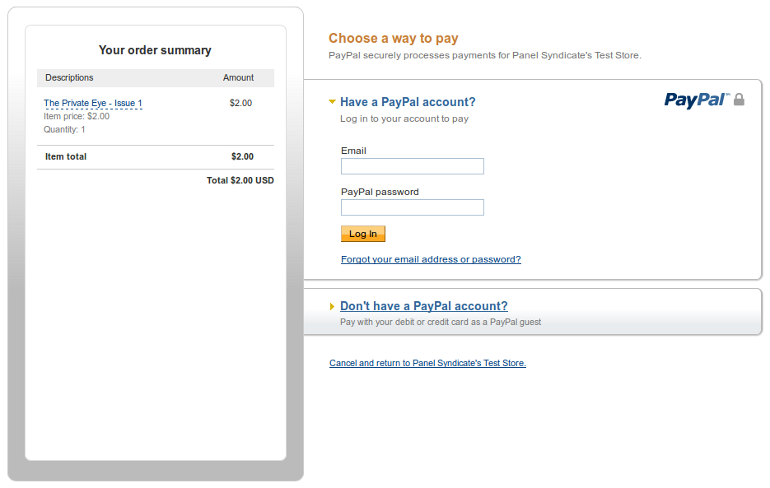
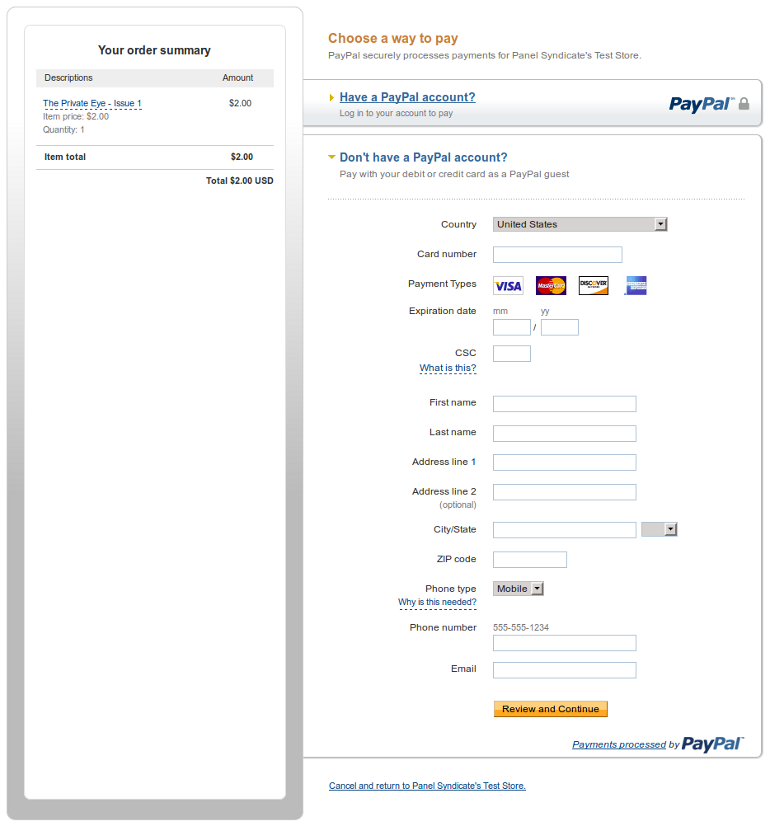
Payments for Panel Syndicate comicbooks are made at PayPal, but you do not need to own a PayPal account to pay: you may enter your credit card's data directly at PayPal and complete your payment. You don't need to register a PayPal account neither. Once you get redirected to PayPal, just do as follows: If your PayPal page looks as follows, just click on "Don't have a PayPal account?". Address, email & phone number may also be requested depending on your country. When you are done, click on "Review and Continue".Paying at PayPal without a PayPal account
1. Make sure the "Don't have a PayPal account?" option is selected
2. Enter your credit card's data
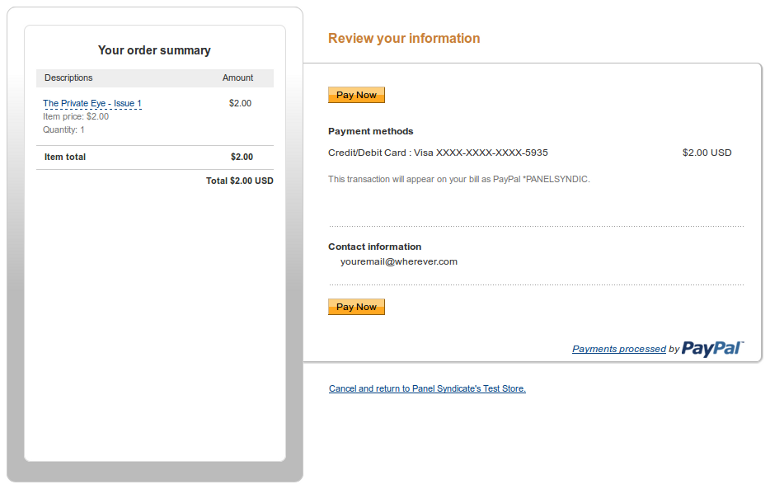
3. Click on "Pay Now"
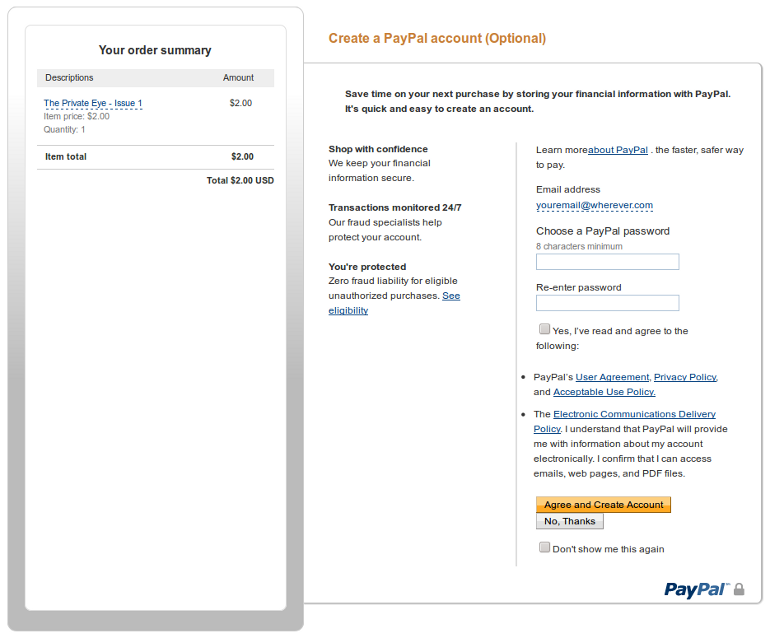
4. Click on "No, Thanks"
DONE!
Troubleshooting payments ?